youtube.nixfred.com nixfred.com
Topic

Homelab

Everything tagged Homelab.

7videos

← All videos

6:14
DesignCourse

Building Tony Stark's 'Jarvis' with Claude Fable 5

DesignCourse demos the Tony Stark style assistant he built for his studio in about two days, skipping the whole OpenClaw wave because Claude Fable 5 made building his own from scratch the cheaper path. It speaks through three swappable voice engines (OpenAI realtime, a free local one he says sounds like crap, and Grok), correctly names his top YouTube video of the last thirty days, recites its own five part tool belt in Grok's voice, and drives a 24 foot projection wall running a Three.js head with custom shaders. Then it fails four turns in a row to turn the DMX stage lights on while reporting confident success every time, which he leaves in uncut and diagnoses as a tool surface problem rather than a model problem. The closer is the argument the whole build rests on: OpenClaw style agents cooled off for lack of a use case rather than lack of capability, and his own is pointed at his businesses because everybody can build now and nobody is making money, since the hardest part was always marketing.

AIBusinessHomelabJun 17, 2026
32:39
NetworkChuck

you need to use Hermes RIGHT NOW!! (goodbye OpenClaw!!)

NetworkChuck makes the case for switching from the OpenClaw agent harness to Hermes, the agent from Nous Research, and walks through installing it on a Hostinger cloud VPS wired to ChatGPT Codex and Telegram. He builds a Hogwarts themed IT agent named Ron Weasley, then shows the five reasons he switched: the vibe, the memory system with hard caps that force curation, the people and story behind the tool, agents that write their own skills via a self improvement loop, and the fact that it just does not break. Live demos have the agent learn the network over Twingate, control a Home Assistant studio, and manage UniFi, crystallizing its own skills as it goes. Cofounder Jeffrey Quesnelle joins to explain the philosophy: give the model hands and get out of its way.

AIDevOpsHomelabMay 20, 2026
28:27
David Bombal

My Dream "home lab"

David Bombal tours Cisco's 20 million dollar AI networking lab to answer the question most AI coverage skips: once you have the GPUs, how do you wire hundreds of thousands of them into one computer. Three Cisco engineers walk through scale up, scale out, and scale across, the new G300 100 terabit and P200 routing switches, why optics are often the most expensive line on the bill, and how a 128 GPU scalable unit plus simulated flows proves designs at much larger scale. The recurring lesson is economic: a 10,000 GPU cluster rents for 175 million dollars a year, so a 5% efficiency loss or one bad cable costs millions. It also settles the InfiniBand versus Ethernet debate (Ethernet wins at scale) and shows security moving off the edge firewall and into the fabric on DPUs and switches.

NetworkingHardwareAIMay 17, 2026
15:21
Sonoran Tech

Install Kasm Workspaces in 10 Minutes (Docker + Remote Desktops in Your Browser)

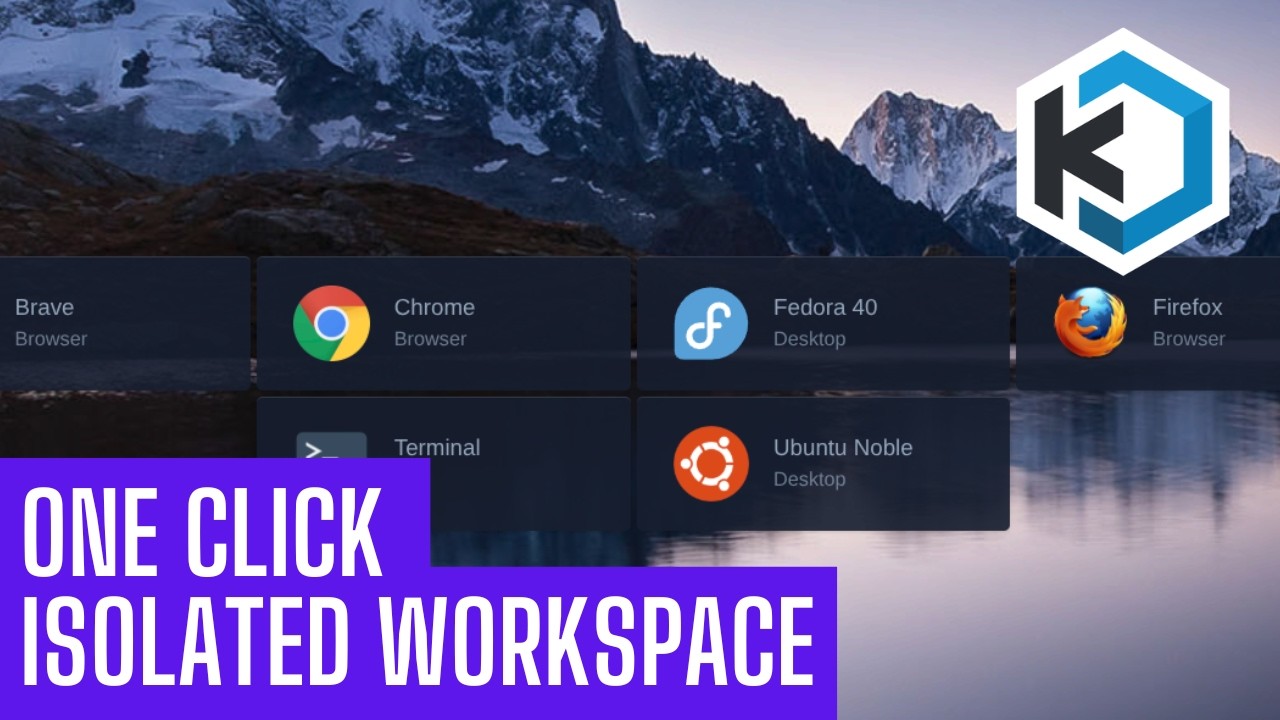
Sonoran Tech makes the case for disposable computing and then builds it: Kasm Workspaces runs containerized apps and full Linux desktops on a server in your home lab and streams them into a browser tab, so the link you do not trust and the bank session both run somewhere that is not your machine and neither one survives being closed. He demos a Chrome workspace and a whole Ubuntu desktop in a tab, then builds a fresh Proxmox VM (Ubuntu Server, eight cores, modest disk), pastes the single server install block straight off the Kasm docs, catches live that the install script needs sudo, and is emphatic that you write down the credentials the installer prints because recovering them means going into the database. The last third is the part quick starts skip: persistent profiles, which take one host directory at /mnt/kasm_profiles owned 1000:1000 with mode 700, a profile path configured per workspace rather than globally, and path variables that segment the data by user and image. He proves it by touching a file in an Ubuntu session, deleting the session outright, and finding the file waiting in the next one. The hard limit he states plainly: profiles persist your home directory, not apt installs, so the moment you need package changes to stick you are back on a full VM or building a custom workspace image.

HomelabLinuxDevOpsFeb 23, 2026
23:30
Data Slayer

The Internet, Reinvented.

Data Slayer argues the internet is not cables or towers but routing, and rebuilds it with Reticulum, a cryptography first networking stack that treats every radio as an interchangeable interface. He hand builds an RNode, then bridges a LoRa only device to a Wi-Fi only device through a dual interface node, proving mismatched hardware can share one network. Scaling up, he runs Reticulum over a long range Wi-Fi HaLow IP mesh on two Raspberry Pi Haven nodes with encryption and route based scaling. The finale routes the Department of Defense mapping app ATAK across that homemade network by hijacking its multicast traffic and fragmenting it to a 500 byte MTU. A build log for a parallel network you own instead of rent.

NetworkingHardwareSecurityFeb 22, 2026
49:12
Learn Linux TV

Complete Kasm Deployment Guide - Proxmox, Cloud & More

Jay LaCroix of Learn Linux TV deploys Kasm Workspaces, the self hostable platform that streams apps and full Linux desktops into a browser tab, four different ways. He builds it in a Proxmox VM (the same recipe as bare metal), hand builds it on an Akamai cloud instance, hardens that instance with a real Let's Encrypt certificate, and finishes with a one click DigitalOcean marketplace droplet. The installer is identical everywhere: download the Linux Server tarball, extract, run sudo bash install.sh, and log in as admin@kasm.local. Along the way he covers the standard new server hygiene (non root user, sudo, hostname, updates, reboot) and the certificate swap that turns the self signed warning into a trusted green padlock.

LinuxHomelabDevOpsJun 10, 2025
49:33
Learn Linux TV

Kasm Workspaces Simplified: The Essential Guide for New Users

Jay LaCroix of Learn Linux TV gives a complete getting started guide for Kasm Workspaces, the container based platform that streams individual apps and full Linux distributions into a web browser tab. He covers what Kasm is and its use cases, the server requirements and supported distributions, the standard installer, and a full tour of the admin console. Then he launches and manages workspaces (Alma Linux, Doom, Firefox), closes sessions, wires up the Open in Isolation browser plugin, adds a third party linuxserver.io registry, removes workspaces, and breaks down the self hosted and cloud pricing tiers. A hands on companion to his separate Kasm review, aimed at anyone ready to self host it.

LinuxHomelabDevOpsNov 14, 2023