 15:21
15:21Install Kasm Workspaces in 10 Minutes (Docker + Remote Desktops in Your Browser)
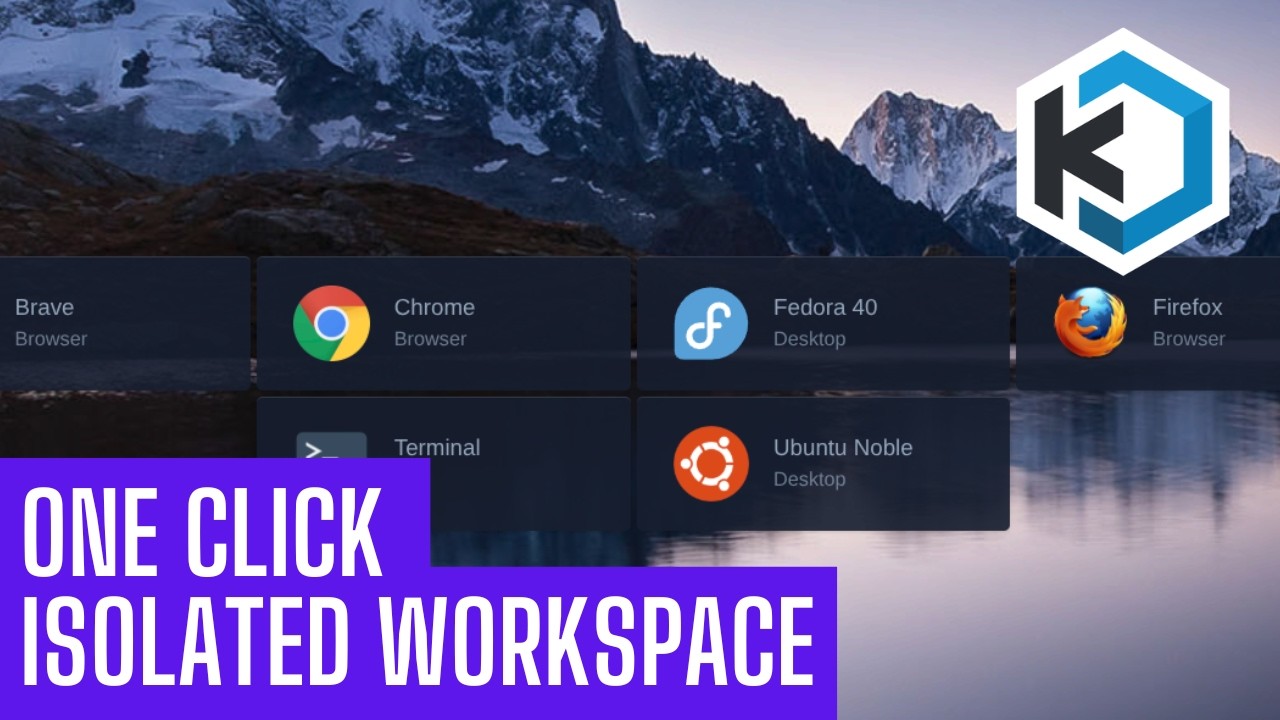
Sonoran Tech makes the case for disposable computing and then builds it: Kasm Workspaces runs containerized apps and full Linux desktops on a server in your home lab and streams them into a browser tab, so the link you do not trust and the bank session both run somewhere that is not your machine and neither one survives being closed. He demos a Chrome workspace and a whole Ubuntu desktop in a tab, then builds a fresh Proxmox VM (Ubuntu Server, eight cores, modest disk), pastes the single server install block straight off the Kasm docs, catches live that the install script needs sudo, and is emphatic that you write down the credentials the installer prints because recovering them means going into the database. The last third is the part quick starts skip: persistent profiles, which take one host directory at /mnt/kasm_profiles owned 1000:1000 with mode 700, a profile path configured per workspace rather than globally, and path variables that segment the data by user and image. He proves it by touching a file in an Ubuntu session, deleting the session outright, and finding the file waiting in the next one. The hard limit he states plainly: profiles persist your home directory, not apt installs, so the moment you need package changes to stick you are back on a full VM or building a custom workspace image.